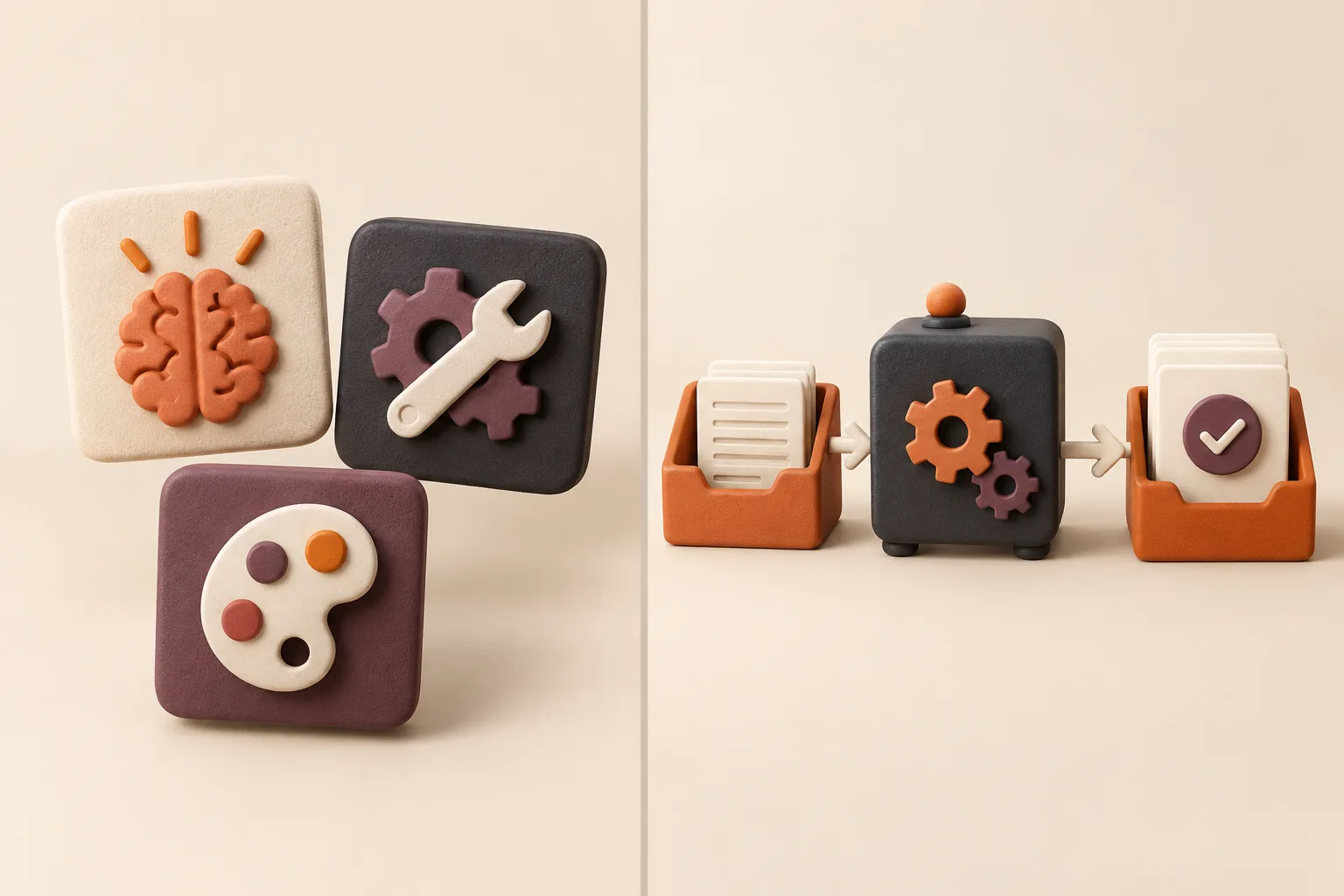
Every major AI platform now ships a container for reusable instructions: Custom GPTs in ChatGPT, Projects in Claude, Gems in Gemini, the equivalents in Grok, and rules files in Cursor. They are genuinely useful, and for one person doing one job they are often all you need.
The trouble starts when a team tries to run a shared process through them. A container holds instructions; it does not hold a version history teammates trust, a test suite, an owner, or a way to run the same job in a colleague’s tool of choice. This article draws the line between the two, and describes the migration path when you cross it.
Part 01 · What you get
What each platform actually gives you
Same job, different container. The differences matter less than people assume, and the similarities matter more.
The common feature set across platforms
Strip away the branding and every one of these containers offers the same four things: a persistent instruction block, some attached reference files, a set of enabled tools or connectors, and a name you can pick from a menu. That is a real improvement over retyping a prompt, and it is where most teams’ AI maturity currently sits.
One useful email a week
Get one workflow teardown a week.
A practical look at how a real repeated job becomes a reliable AI workflow — inputs, review points, and the failure modes to avoid.
By subscribing, you agree to receive Grokkit’s weekly workflow teardown. Unsubscribe anytime.
What none of them offers by default is anything that makes a process trustworthy to a group: no shared change log, no pass/fail test suite, no accountability for whether the instructions are still correct after a policy change.
Why a Custom GPT is still usually one person’s prompt
A Custom GPT typically encodes how its author personally does the job, including the assumptions they never wrote down because they never needed to. When a colleague runs it, the gaps surface immediately — they paste a different kind of input, the output shape shifts, and they quietly go back to their own prompt.
This is not a criticism of the format. It is what happens whenever a personal working method is shared without first being specified. The fix is upstream: write the definition of done and the checks, then put that in the container. That shift — from tuning a message to packaging a job with an owner and tests — is what packaging a job rather than tuning a message describes. For the shorter, decision-focused version of this argument, see tested workflow vs a generic ChatGPT prompt.
Claude Projects: strong context, weak shared process
Projects are very good at holding a body of reference material and keeping a long thread of work in view. For research-heavy or document-heavy jobs that is a meaningful advantage over pasting context each time.
The weakness is the same one: the project knows what you told it, but the team has no way to see what changed, no way to test whether a change improved anything, and no way to run the same standard somewhere else.
Gemini Gems and Grok equivalents: same job, different container
Gems and their counterparts follow the same pattern — named instruction sets with attachments and tool access. The practical differences are in file handling, connector coverage, and how much the model volunteers when the instruction is vague.
Because the differences are mostly at the edges, a process that is specified properly moves between them with little friction. A process that is a loose prompt does not, which is a reasonable diagnostic for how well specified yours is.
Cursor rules versus a tested business skill
Rules files in coding tools are the closest native feature to a real skill: they live in the repository, they are diffable, and they are version-controlled alongside the code. That is three of the four missing properties solved almost by accident.
What they are not designed for is business process — the intake, the approval point, the client-safe output variant. Engineering teams often have the better mechanism and the narrower use case, while operations teams have the broader use case and the worse mechanism.
Part 02 · Where it breaks
What native containers do not give a team
Five failure modes that show up in month two, not week one.
The copy-paste tax when the team switches tools
Moving a Custom GPT to another platform means exporting a wall of text and hoping the assumptions survive. Half of them do not: instructions that depended on the previous tool’s file handling or memory behaviour silently stop meaning anything.
Teams pay this tax more often than they expect, because model capability moves faster than procurement. Designing for the move is cheaper than paying for it — the approach is in designing for a tool switch.
Instructions trapped inside one product account
A container built in a personal account is owned by that account. When the person leaves, changes teams, or has their licence moved, the process leaves with them, and nobody else can even read what it said.
This is an ordinary continuity risk that happens to be invisible, because nothing appears in an asset register. It is worth auditing once: ask how many of your team’s working processes currently exist only inside somebody’s personal AI account.
No shared test suite across tools
Without a fixed set of cases and checks, nobody can tell whether an edit to the instructions improved the output or just changed it. Teams end up making changes based on the last bad result they personally saw, which is how instructions accumulate contradictory rules.
A test suite is not elaborate — ten real past cases, a handful of pass/fail checks, and a record of results. The method is in ten real cases and a handful of checks.
No version history teammates can trust
When someone edits a shared container, there is usually no diff, no note about why, and no way to go back. The practical result is that people stop editing it — the container ossifies while the real process moves on, and everyone drifts back to personal prompts.
Versioning is what makes a shared process safe to change. Without it, the rational behaviour for a careful teammate is to avoid the shared artifact entirely.
Review gates that live in Slack instead of the skill
In most teams the approval step exists only as a habit: someone usually checks before it goes out. That works until the day it is busy, and it leaves no record that a check happened.
A review gate belongs inside the workflow definition — what must be checked, by whom, and what blocks the send. Once it is written down it survives holidays, handovers, and deadlines, as covered in putting the review gate inside the workflow.
Part 03 · The line
When native features are enough — and when they are not
This is a threshold question, not a religious one. Most teams cross it at a predictable point.
When a native feature is genuinely enough
If one person owns the job, runs it in one tool, and nobody else needs to reproduce the output to a standard, a Custom GPT or a Project is the right amount of structure. Adding process machinery to a single-operator job is overhead with no payer.
The same is true for exploratory and creative work, where the value is in the variation rather than the consistency. Not everything should be standardised, and pretending otherwise is how teams end up with a library nobody uses.
Four signs you have outgrown native features
The threshold is usually crossed quietly. These four signals are the reliable ones, and any two of them together mean the container is no longer the right home for the process.
Notice that none of them are about model capability. They are all about how many people depend on the output being the same shape every time.
- A second person needs to produce the same output to the same standard
- Someone asks which version is current — and nobody can answer
- An edit to the instructions made one case better and another worse
- The team uses more than one AI tool and the process has been copied into both
Portable skill versus platform-locked assistant
A portable skill defines the method, the allowed sources, the checks the output must pass, and the output specification. None of those depend on a vendor. A platform-locked assistant mixes those with the container’s own mechanics, and the two become impossible to separate later.
Keeping them separate costs nothing at authoring time and saves the entire migration later. It also makes the process readable by people who do not use the tool it was built in — including whoever inherits it.
Installing the same workflow in five agents
When the skill is the artifact, installing it in a new tool means writing a short adapter: how this platform receives the inputs, what it can read directly, what has to be pasted. The procedure itself does not change.
The adapter should stay short. When it starts growing past a paragraph or two, the skill has absorbed platform assumptions and needs cleaning — that growth is the useful early warning signal. The docs set out the install steps and compatibility notes per tool.
Ownership: IT, ops, or “the person who made the GPT”
Unclear ownership is the most common reason a shared container decays. The default owner is whoever built it, which is an accident rather than a decision, and it usually means the person with the least time to maintain it.
Name an owner per workflow with an explicit remit: approve changes, run the test suite after edits, and decide when it is retired. One line in a registry is enough, and it is the difference between a library and a pile — see keeping a skill registry.
Part 04 · Moving
Migrating from a working Custom GPT to a real skill
You are not throwing the Custom GPT away. You are extracting what was valuable in it.
Security: personal chats versus team-deployed skills
A process running in personal accounts has no consistent data boundary. Retention settings, training defaults, and connector permissions vary by account and plan, so the same instructions can carry very different data handling depending on who runs them.
Team-deployed workflows let you state which data classes are allowed, which sources are in scope, and which platforms are approved for each. That is the practical security difference, and it is covered in detail in data boundaries for team-deployed skills and on the security page.
The migration path, step by step
Migration is extraction, not a rewrite. Start from the container that already works, because it encodes real decisions that took months to accumulate, and add the four things it was never able to hold.
Expect the extraction itself to surface disagreements about the standard. That is the point — those disagreements were previously resolved differently by every person running the job.
- Export the current instructions verbatim and collect ten real past outputs
- Write the definition of done: sections, evidence standard, disqualifiers
- Turn the implicit rules into explicit checks the output must pass
- Run the ten cases against the extracted skill and fix what fails
- Reinstall it in each tool as a thin adapter and retire the copies
What to keep in the platform and what to package
Keep the platform-specific mechanics where they belong: connectors, file handling, memory settings, and anything that only means something inside that product. Package everything that would still be true if you changed vendor tomorrow.
A useful test for each line of your current instructions: would this sentence still be correct in a different tool? If yes, it belongs in the skill. If no, it belongs in the adapter.
Evaluation: the same cases across five runtimes
Once the skill exists, run the identical case set in every target tool and score against the same checks. Differences show up quickly and are usually about verbosity and how readily a model volunteers an inference, not correctness.
Where a platform consistently fails a specific check, fix it in that platform’s adapter rather than loosening the check for everyone. Loosening a check to make a tool pass is how a test suite stops being useful.
How Grokkit sits on top of the tools you already use
We do not ask teams to move off ChatGPT, Claude, Gemini, Grok, or Cursor. The workflow is defined once, tested against your real cases, and installed into whichever of those your team already uses — with the platform mechanics kept in a thin adapter per tool.
For common jobs, a ready-made skill from the library or a bundle is usually the faster route. For jobs carrying your own rules, sources, and approval logic, the build process is on the custom workflows page, and the examples show the finished output shape.