Step 01
Bug report arrives
Reports enter through the customer, product, and monitoring channels the company already uses.
- Customer support tickets
- QA reports
- In-app bug reports
- Slack
- Error-monitoring tools
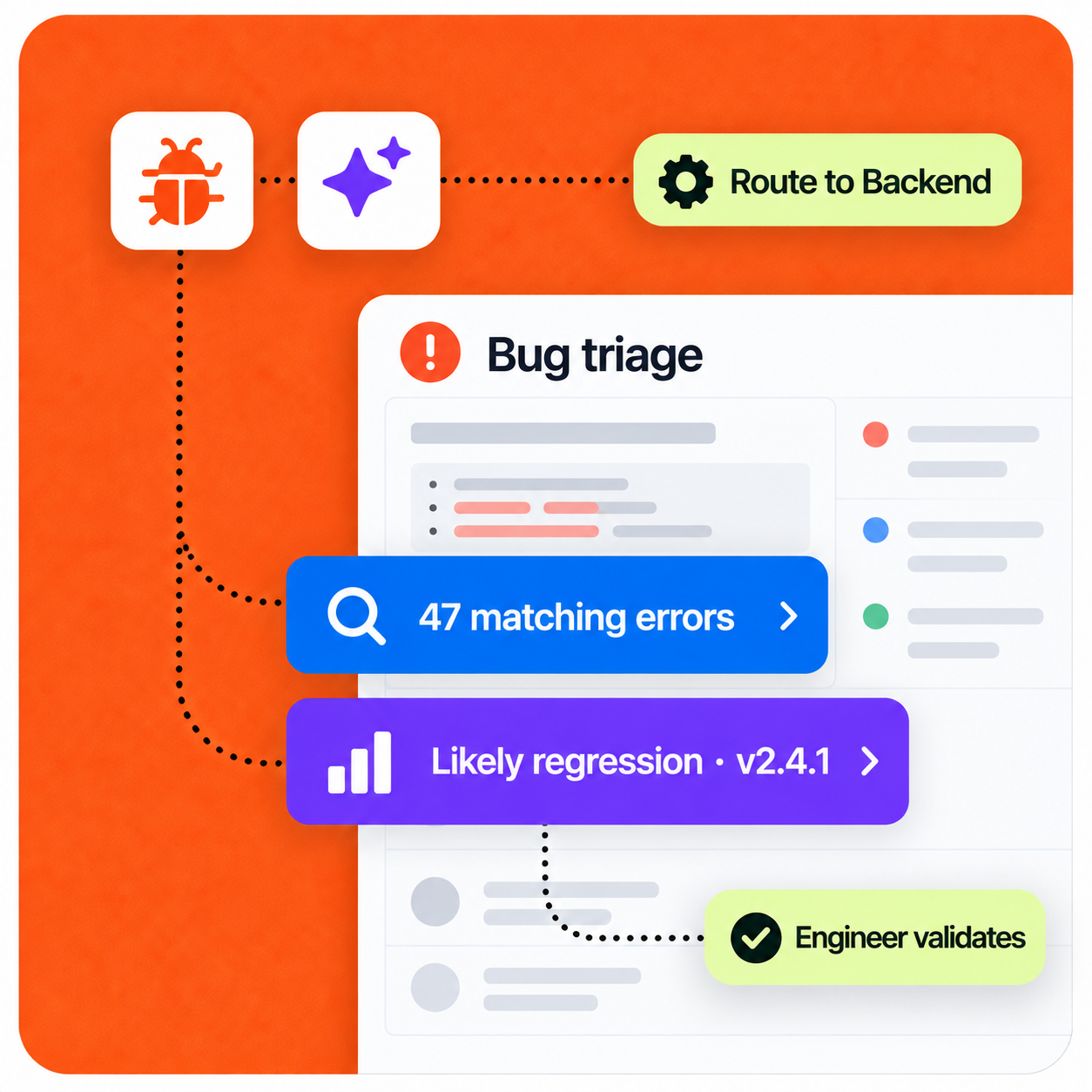
AI structures incoming bug reports, gathers technical evidence, identifies likely causes, assigns severity, and creates engineering-ready tickets for developer validation.
Implementation pattern
Designed for human review
Operating context
A credible automation starts with the real workload, owners, systems, and approval points—not a generic AI promise.
Representative company setup
A 15-person SaaS or product company has 4–7 engineers receiving bug reports from customers, QA, monitoring systems, and internal employees.
Example company
17-person SaaS team
Engineering team
6 engineers
Primary output
Engineering-ready ticket
The workflow
The automation does not hide the process. It structures the repetitive work, surfaces exceptions, and hands decisions to the right person.
Complete sequence
8 defined steps
Step 01
Reports enter through the customer, product, and monitoring channels the company already uses.
Step 02
The AI converts a messy complaint into consistent fields and checks for similar existing issues.
Step 03
The workflow gathers the evidence engineers would otherwise need to search for manually.
Step 04
The report is correlated with technical evidence to form a clearly labelled hypothesis—not a confirmed root cause.
Step 05
Technical evidence and business impact are combined to assess urgency.
Step 06
The affected area determines which engineering owner receives the ticket.
Step 07
The developer receives a concise ticket containing the evidence, hypothesis, severity, and next investigation step.
Step 08
The engineer remains responsible for confirming the diagnosis and deciding what happens next.
Control by design
Logs and traces provide evidence; they do not reproduce a bug or prove its root cause. Actual automated reproduction would require a separate sandbox or test environment where proposed steps can be executed and verified.
Security & data handlingThe workflow is limited to the systems, data, and knowledge selected for the job.
A person stays at the decision point for customer-facing, financial, or otherwise high-impact actions.
Low-risk steps expand only after the team can review quality, exceptions, and outcomes.
Under the hood
Each stage has a defined input and output, while the existing stack remains the source of operational context.
Concrete scenario
Example input
“Checkout fails when I try to pay with my saved card. The page just keeps loading.”
This sequence illustrates the operating logic. It is not presented as a guaranteed result or an autonomous decision.
Expected impact
Actual results depend on workflow volume, data quality, system access, and team adoption. A responsible rollout establishes a baseline before measuring impact.
Less time sorting incoming bugs
Faster routing to the right engineer
Higher-quality engineering tickets
Earlier detection of regressions
Build a similar workflow
We can map where AI helps, where a person should stay in control, and what success should be measured against.
Discuss this workflow
Next case study · 07