Step 01
Reporting period closes
The workflow starts automatically at the end of each weekly or monthly reporting period.
- Scheduled weekly run
- Scheduled monthly run
- Consistent reporting window
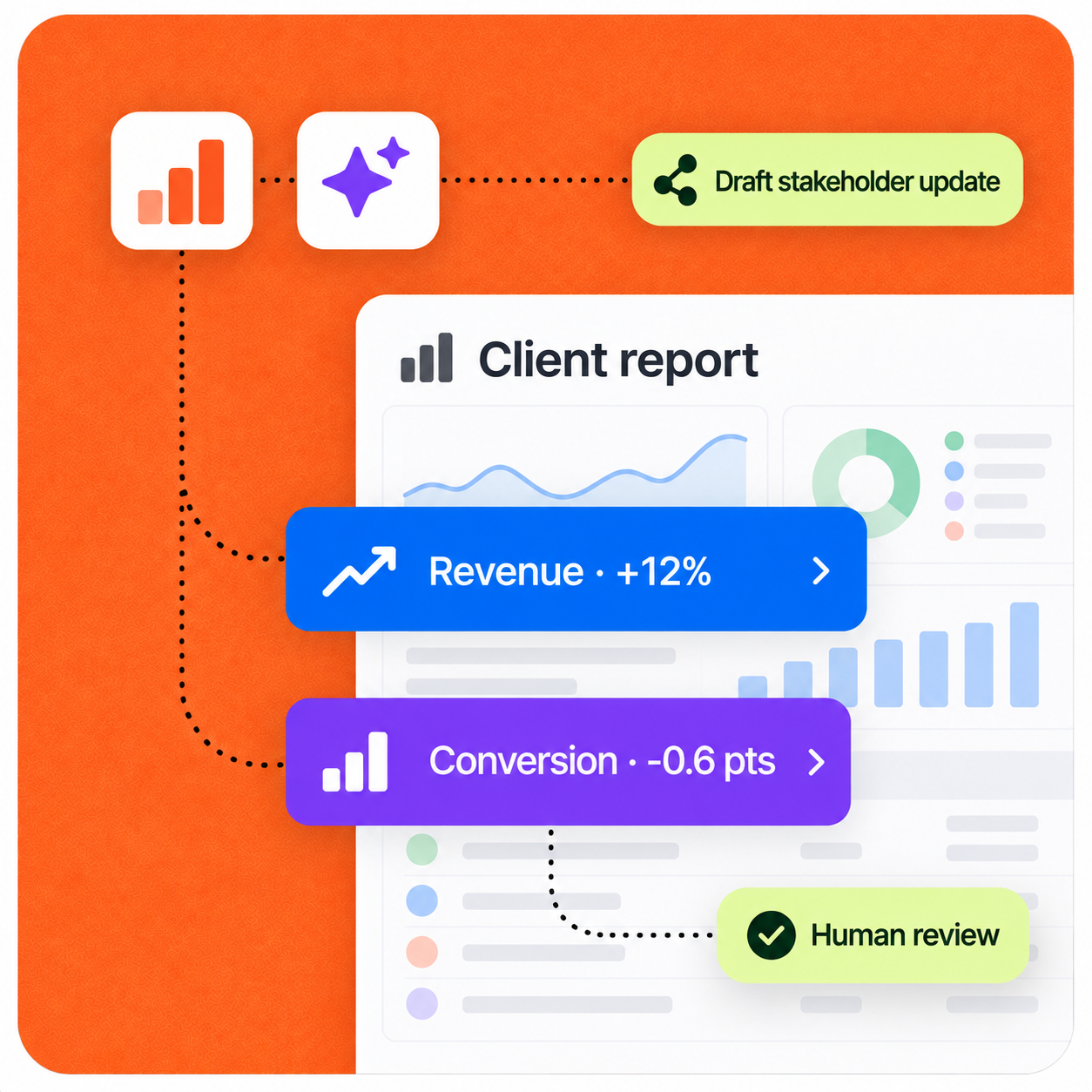
AI collects approved metrics, compares performance, surfaces meaningful changes, prepares a standardized client report, and drafts the stakeholder update for human review.
Implementation pattern
Designed for human review
Operating context
A credible automation starts with the real workload, owners, systems, and approval points—not a generic AI promise.
Representative company setup
A 35-person agency, SaaS company, consulting firm, or financial services business manages 10–50 clients and sends weekly or monthly performance updates.
Typical company
30–50 person team
Client portfolio
10–50 clients
Reporting cadence
Weekly or monthly
The workflow
The automation does not hide the process. It structures the repetitive work, surfaces exceptions, and hands decisions to the right person.
Complete sequence
8 defined steps
Step 01
The workflow starts automatically at the end of each weekly or monthly reporting period.
Step 02
The workflow reads the relevant metrics from the dashboards and business systems the team already uses.
Step 03
Current results are normalized and compared against the reference points that matter for the client.
Step 04
The AI highlights noteworthy movement instead of simply repeating every number in the dashboard.
Step 05
A standardized template keeps every report clear, complete, and consistent across clients.
Step 06
A human checks every observation, adds client context, and decides what should appear in the final report.
Step 07
After review, the workflow prepares a concise email or Slack summary to accompany the report.
Step 08
The final report and update reach the client through their preferred channel.
Control by design
Dashboard correlations are observations, not proof of causation. The workflow prepares the recurring report and flags what changed, while the account manager validates the insight before it reaches the client.
Security & data handlingThe workflow is limited to the systems, data, and knowledge selected for the job.
A person stays at the decision point for customer-facing, financial, or otherwise high-impact actions.
Low-risk steps expand only after the team can review quality, exceptions, and outcomes.
Under the hood
Each stage has a defined input and output, while the existing stack remains the source of operational context.
Concrete scenario
Example input
Revenue: $84,200, up 12%. Conversion rate: 4.1%, down 0.6 percentage points.
This sequence illustrates the operating logic. It is not presented as a guaranteed result or an autonomous decision.
Expected impact
Actual results depend on workflow volume, data quality, system access, and team adoption. A responsible rollout establishes a baseline before measuring impact.
Less reporting preparation
Consistent client communication
Faster identification of performance changes
More account-manager time for client context
Build a similar workflow
We can map where AI helps, where a person should stay in control, and what success should be measured against.
Discuss this workflow
Next case study · 05