Step 01
Ticket received
A customer submits a ticket through email, a website form, or the company helpdesk.
- Email inbox
- Website form
- Helpdesk
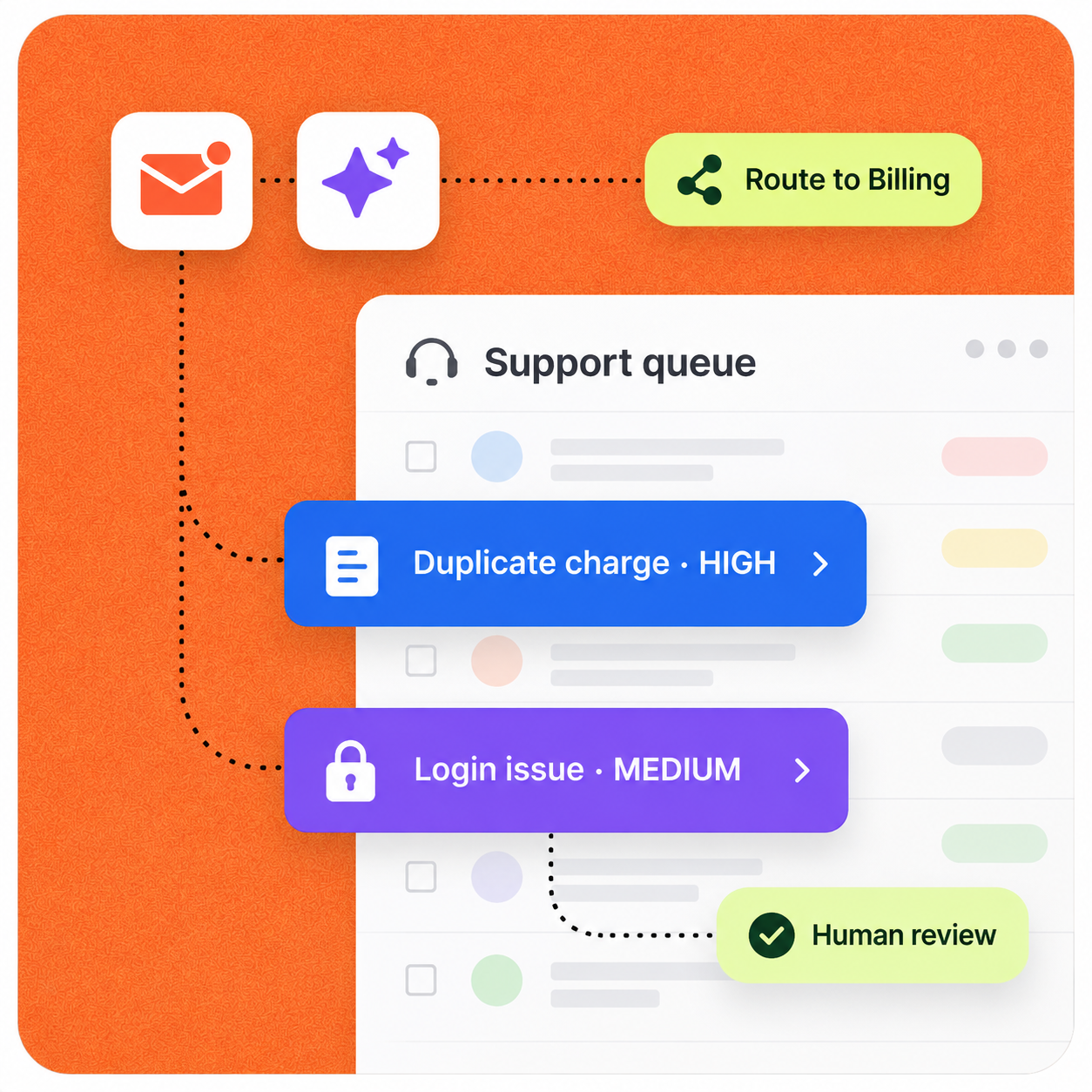
AI reads incoming tickets, identifies the issue, assigns priority, retrieves relevant company knowledge, drafts a response, and routes complex cases to the right employee.
Implementation pattern
Designed for human review
Operating context
A credible automation starts with the real workload, owners, systems, and approval points—not a generic AI promise.
Representative company setup
A small SaaS, e-commerce, or service company with about 15 employees and one to three people handling customer support.
Typical deployment
11–20 employee company
Primary users
Support + Operations
Human involvement
Review before customer-facing responses
The workflow
The automation does not hide the process. It structures the repetitive work, surfaces exceptions, and hands decisions to the right person.
Complete sequence
7 defined steps
Step 01
A customer submits a ticket through email, a website form, or the company helpdesk.
Step 02
The workflow reads the message alongside the context needed to respond accurately.
Step 03
The ticket is classified so the right process and owner can be selected.
Step 04
Urgency is based on business impact, customer impact, and account context—including VIP or high-value customers when appropriate.
Step 05
The workflow decides whether to draft an answer or send the case to the employee best equipped to resolve it.
Step 06
A personalized draft is produced from approved company knowledge—not from a generic answer.
Step 07
Support sees the category, priority, reason, suggested action, draft, and confidence before approving, editing, rejecting, or re-routing the response.
Control by design
Low-risk categories can be considered for automation later, after the team has enough evidence and confidence. Customer-facing judgment stays with the team first.
Security & data handlingThe workflow is limited to the systems, data, and knowledge selected for the job.
A person stays at the decision point for customer-facing, financial, or otherwise high-impact actions.
Low-risk steps expand only after the team can review quality, exceptions, and outcomes.
Under the hood
Each stage has a defined input and output, while the existing stack remains the source of operational context.
Concrete scenario
Example input
“I was charged twice for my subscription and need this fixed.”
This sequence illustrates the operating logic. It is not presented as a guaranteed result or an autonomous decision.
Expected impact
Actual results depend on workflow volume, data quality, system access, and team adoption. A responsible rollout establishes a baseline before measuring impact.
Faster response times
Less manual ticket sorting
More consistent answers
Fewer tickets reaching the wrong employee
Build a similar workflow
We can map where AI helps, where a person should stay in control, and what success should be measured against.
Discuss this workflow
Next case study · 03