Step 01
Invoice or receipt arrives
Documents enter through the channels the company already uses.
- Accounts-payable email
- Employee expense submission
- Google Drive or shared folder
- Vendor portal
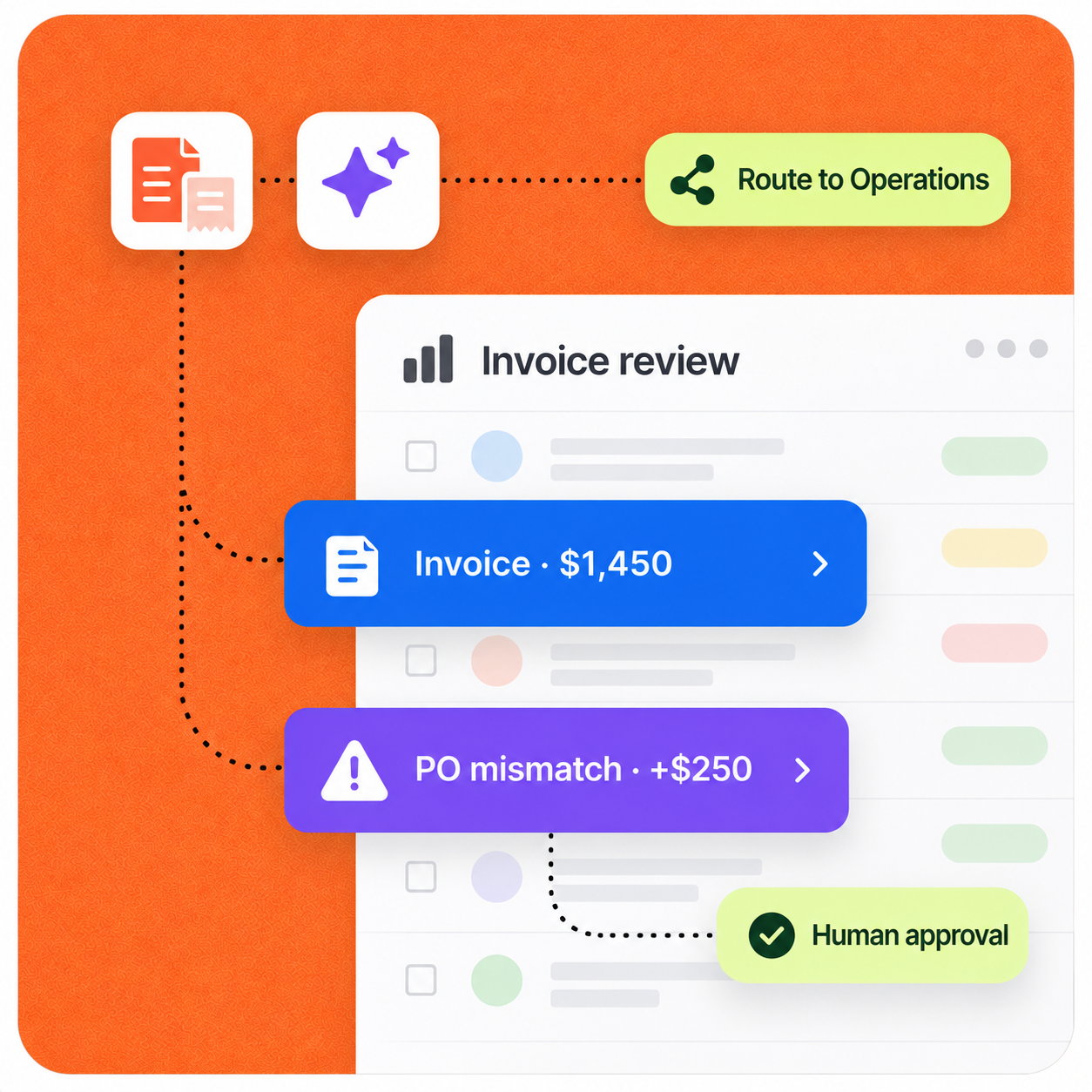
AI extracts invoice and receipt data, matches it against purchase orders, detects anomalies, routes exceptions for approval, and sends approved records to accounting.
Implementation pattern
Designed for human review
Operating context
A credible automation starts with the real workload, owners, systems, and approval points—not a generic AI promise.
Representative company setup
A 15-person company receives vendor invoices, employee expense receipts, and purchase orders through email and shared folders. One operations or finance employee currently enters everything into the accounting system.
Example company
17-person SaaS team
Monthly volume
50–80 documents
Primary owner
One Operations or Finance employee
The workflow
The automation does not hide the process. It structures the repetitive work, surfaces exceptions, and hands decisions to the right person.
Complete sequence
7 defined steps
Step 01
Documents enter through the channels the company already uses.
Step 02
The workflow converts each document into structured accounting data and categorizes employee expenses.
Step 03
When a PO exists, the workflow compares the vendor, PO number, items, quantities, prices, and total amount.
Step 04
Exceptions are surfaced before money moves or unreliable data reaches the accounting system.
Step 05
The type and risk of the document determine who needs to make the decision.
Step 06
Finance or Operations receives a concise exception summary and can approve, reject, or request clarification.
Step 07
Structured data and the original document are pushed into the accounting system with an audit-ready status.
Control by design
The workflow reduces document handling and first-pass checking without claiming to automate accounting or remove financial oversight.
Security & data handlingThe workflow is limited to the systems, data, and knowledge selected for the job.
A person stays at the decision point for customer-facing, financial, or otherwise high-impact actions.
Low-risk steps expand only after the team can review quality, exceptions, and outcomes.
Under the hood
Each stage has a defined input and output, while the existing stack remains the source of operational context.
Concrete scenario
Example input
PO amount: $1,200. Invoice amount: $1,450. Difference: $250.
This sequence illustrates the operating logic. It is not presented as a guaranteed result or an autonomous decision.
Expected impact
Actual results depend on workflow volume, data quality, system access, and team adoption. A responsible rollout establishes a baseline before measuring impact.
Less manual data entry
Faster document processing
Fewer duplicate or mistaken payments
Clearer visibility into exceptions
Build a similar workflow
We can map where AI helps, where a person should stay in control, and what success should be measured against.
Discuss this workflow
Next case study · 04