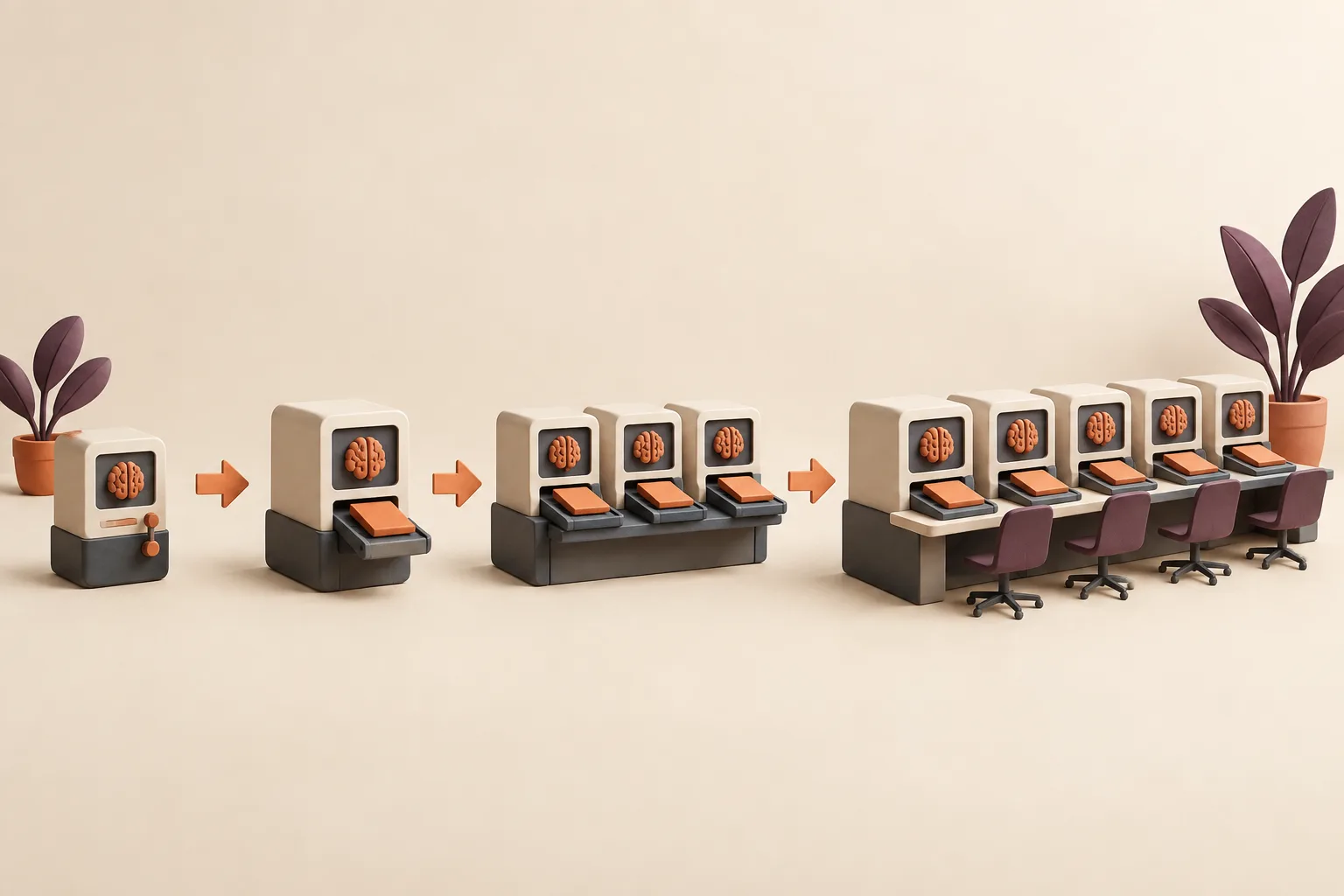
A workflow that works in testing and is used by nobody is the most common outcome of an AI project. The failure is not technical — it happens in the gap between “this produces good output” and “this is how we do this job now,” which nothing in the build addresses.
This is a four-week implementation plan with a narrow pilot, a deliberate switchover, and a ninety-day decision point. It assumes one workflow, one small team, and one named reviewer, because anything wider makes it impossible to tell what worked.
Part 01 · The pilot
Weeks one to three
Narrow scope, real inputs, supervised runs.
A pilot team of two to five, not company-wide on day one
Pick the smallest group that actually does the job, and prefer a team with a specific problem to a team that volunteered out of curiosity. Enthusiasm without a problem produces polite feedback and no adoption.
One useful email a week
Get one workflow teardown a week.
A practical look at how a real repeated job becomes a reliable AI workflow — inputs, review points, and the failure modes to avoid.
By subscribing, you agree to receive Grokkit’s weekly workflow teardown. Unsubscribe anytime.
Include at least one sceptic. They will find the failure cases faster than anyone else, and a sceptic who is won over does more for the second rollout than three advocates.
One workflow, one reviewer, one success metric
Name all three before starting. The reviewer is a specific person, not a rota, because calibration is what the pilot is producing and it cannot come from four people applying different standards.
The metric should be observable rather than surveyed — reviewer minutes per output, first-pass completeness, or corrections per run. Take the baseline from ten real runs of the current process before week one, as described in taking a baseline on ten real runs.
Week 1: discovery and real examples
Shadow the person who does the job well on two real cases — one clean, one messy — and collect ten real past outputs including two the team was not happy with. Write the definition of done and get it agreed by the reviewer.
Expect disagreement about the standard to surface here. It is not a delay; it is the single most valuable output of the week, because that disagreement was previously resolved differently by every person doing the job.
Week 2: first version and ugly-input testing
Build the first version and run it against the ten real cases, scoring against the checks rather than reading for impression. Then deliberately break it: missing inputs, contradictory sources, a case outside its scope, an input containing instructions.
The ugly-input tests are what determine whether the workflow is trustworthy. A version that produces good output on clean inputs and invents confidently on thin ones is not ready, whatever the demo looked like — the method is in ugly-input testing before launch.
Week 3: install and shadowed runs
Install it into the tools the pilot team actually uses and have them run it on live work, with the reviewer checking every output before it goes anywhere. The old process still runs in parallel this week.
Collect every correction the reviewer makes. Corrections that repeat across people are specification gaps, not user error, and they are the backlog for version 1.1.
Part 02 · Making it default
Week four and the switchover
The moment the old way stops being an option.
Week 4: the default path, old prompts retired
Set a date where the workflow becomes the way this job is done and the old prompts are retired. Announce it in advance, and make retirement literal — delete the shared prompt doc, archive the Custom GPT, remove the old template from the drive.
Skipping this step is the most common rollout failure. Without it you have added an option to a menu, and under deadline pressure people revert to what they know. The switchover is what makes the standard a standard. Retiring a container that genuinely works feels wasteful, so extract what was valuable in it first — the migration path is in migrating a working Custom GPT.
Training that is a sample run, not a slide deck
Forty-five minutes, everyone with their own real work in front of them. Run one live end to end, show the review step, show what happens when an input is missing, then have each person produce one real output before they leave.
Then answer the question everyone is actually holding: what happens when it gets something wrong. Show the reviewer gate, the escalation path, and how to report a bad output. A session that ends with everyone having shipped one real deliverable has a completely different adoption curve than one that ends with questions.
Where the skill lives and how people invoke it
Invocation must be trivial or it will not happen. One place, one name, one obvious way to start — and that place should be inside the tool where the work already happens, not a portal someone has to remember exists.
Test this with the least technical person on the team on their own. If they hesitate about where to go or what to paste, fix the install rather than the person. The docs cover what a skill is, how to install one, and how versioning and tool compatibility work, which saves writing that part yourself.
Pointers that do not become a second prompt library
Teams pin a message, write a doc, add a wiki page, and six months later there are four sets of instructions with different content and no way to tell which is current.
Keep exactly one canonical location and make every other reference a link to it. Never paste instruction content into a channel message — a copy is a fork, and a fork is drift. This is the failure described in how a second prompt library takes hold.
Handling “I can do it better with my own prompt”
Usually the person is right, and usually about one specific dimension — their version catches something the workflow misses. Ask them to run both on the same three cases and show you the difference.
If their version is genuinely better, that is version 1.1 and they should get the credit. If it is better on one dimension and worse on consistency, the conversation becomes about the shared standard rather than a preference. Either way it is input, and treating it as resistance loses you your most engaged user.
Part 03 · Maintaining
After the switchover
Versions, ownership, and visibility.
The feedback loop into version 1.1
Give people one low-friction way to report a bad output — ideally a single channel where they paste the output and what was wrong. Anything requiring a form gets used twice and abandoned.
Batch the reports rather than fixing each one immediately. Editing a workflow after every complaint produces contradictory rules; a fortnightly batch, tested as a set against the full suite, produces a version. What that bump should carry — notes, retests, and a rollback path — is in release notes and a rollback path.
Release notes teammates will actually read
Three lines: what changed, why, and what you will notice. Written for the person running the workflow, not for the person who edited it.
“Risk section now requires a source for every claim, because two briefs last month asserted renewal risk with nothing behind it. You will see more items marked ‘not determined’ — that is intended” tells people what to expect and, more usefully, why the output changed shape.
Expanding from one job to a small catalogue
After ninety days, add the second workflow — and prefer one adjacent to the first, ideally consuming its output. Chained workflows compound: the recap feeds the brief, the brief feeds the review.
Resist going from one to six. A catalogue grows sustainably at roughly one workflow a quarter per team, because each one needs an owner and ongoing maintenance, as covered in growing a skill catalogue sustainably.
The role of the workflow owner
Each workflow has one named owner with four responsibilities: approve changes, re-run the test suite after edits, publish release notes, and decide when it is retired. This is a small ongoing commitment — perhaps an hour a month — and without it the workflow decays quietly.
The owner should be someone who runs the job, not someone from a central function. Ownership by a team that does not do the work produces a process nobody defends when it needs changing.
Executive visibility without extra reporting work
Sponsors need evidence that this is working, and the wrong answer is a monthly report somebody has to write — that is new overhead attached to a project meant to remove overhead.
Use what the workflow already produces: run count, reviewer minutes, first-pass completeness, corrections per run, and the number of prompt variants retired. Four numbers, pulled from the existing log, sent quarterly.
Part 04 · Review
Failure modes and the 90-day decision
What goes wrong, when to stop, and what a finished handoff contains.
Failure modes during rollout
Rollouts fail in a small number of recognisable ways, and all of them are visible within the first fortnight if you are watching for them.
The most dangerous is the quiet one: usage that looks fine because people run the workflow and then rewrite the output before sending. That reads as adoption in any usage metric and means the definition of done is wrong.
- No retirement date, so the old prompts survive alongside the new workflow
- The reviewer becomes a bottleneck and starts approving without reading
- People run it and then substantially rewrite the output before sending
- Feedback has no channel, so frustration accumulates invisibly
- Scope expands mid-pilot and nobody can tell which change caused what
When to pause and redesign the definition of done
If the reviewer is making the same correction across people and runs, stop rolling out and fix the specification. Continuing teaches the team that the output always needs repair, and that belief is very hard to reverse later.
A pause is cheap in week three and expensive in month three. The signal to watch is heavy rewriting after generation, which means the definition of done does not match what the team considers done.
Multi-tool rollout order
Roll out in one tool first, stabilise, then install elsewhere. Launching in three tools simultaneously means any difference in output could be the workflow, the adapter, or the platform, and you cannot tell which.
Once version 1.1 is stable, install into the other tools and run the same test cases in each. Differences are usually verbosity rather than correctness, and where a platform consistently fails a check, fix it in that adapter rather than loosening the check — the approach is in fixing a failing check in the adapter.
The 90-day review: keep, revise, or kill
Book the review at the start, with a named decision maker and three permitted outcomes. Committing to a kill option up front is what makes the pilot an experiment rather than an obligation, and it makes the initial approval much easier to get.
Bring the baseline, the current numbers, the version history, and the honest usage picture including how much output gets rewritten before sending. Kill is a legitimate outcome — a workflow nobody uses should be retired rather than left in the library implying it works.
What a Grokkit handoff includes
A finished engagement leaves you able to run and change the workflow without us: the skill package with its references and templates, the test suite built from your real history with recorded results, per-tool install notes, the definition of done agreed with your reviewer, a version and changelog, and a named owner on your side.
Ownership transfer is the deliverable, not the output. The four stages are on the custom workflows page, the examples show finished outputs, and the case studies cover comparable engagements end to end. What to ask for before signing with anyone is in how to evaluate a custom workflow vendor.